
7-12 Mathematics Resources
Click the hyperlinks below to see resources I have made, including previous units of work that I have designed websites for:
Desmos/GeoGebra Resources
If you are not familiar with Desmos or GeoGebra, I suggest you have a go exploring each website. Both websites feature graphing and geometry tools, but have their own unique pros and cons. I personally find the UI for Desmos more user-friendly, but the tools available in GeoGebra more extensive and flexible. I use both equally as much.
Summary

Desmos
- Graphing Calculator – has many in-built functions, and also supports the use of animation sliders, tables (can import from a spreadsheet), restrictions and regression.
- Geometry Tool – useful if you need a basic platform for doing geometric constructions + transformations.
- Desmos Classroom – most effective when students have access to devices (personal laptops/tablets, or school laptops/computers).
- Desmos Help Centre – reading through the ‘Graphing Calculator’ pages will help you to get the most out of Desmos. The example graphs included are good sources of inspiration for your own creations.

GeoGebra
- Calculator Suite – includes the Graphing Calculator and Geometry Tools. A very comprehensive list of in-built commands and tools available – the geometry tools are especially valuable.
- 3D Calculator – useful for creating 3D diagrams (geometry, 3D vectors).
- Probability – useful for displaying and simulating probability distributions.
- Classroom Resources – an extensive library of community and official-made resources. Caution: it can be challenging to find exactly what you are looking for, but you can copy and modify any resources you find.
- Learn Graphing Calculator – a tutorial for using the Graphing Calculator.
Desmos Resources
- Graph Translations – used to introduce the concept of translations; features: parabola, hyperbola, cubic, circle, exponential, square root, composite.
- Graph Reflections – used to introduce the concept of reflections; features: straight line, parabola, cubic, square root, hyperbola, exponential, circle.
- Basic Parabola – used to display turning point form.
- Parabola Translations and Parabola Transformations – used to display dilation, reflection and translation.
- Lines and Parabolas – Examples – finding points of intersection between lines and parabolas.
- Existence of Inverse – Parabola – used to visually show how to restrict domain to find inverse function.
- Cubic Graphs – used to display dilation, reflection and translation.
- Absolute Value Functions – used to introduce the concept of absolute value; features: basic graph, straight line, parabola, cubic, square root, exponential, hyperbola.
- Exponential Equation and Exponential Graphs and Reflections – used to introduce key features of the basic exponential graph, and to display basic reflections.
- Exponentials and Logarithms – used to display different reflections and translations.
- Investigation: Exponential Function – used to introduce Euler’s number in the Differentiation topic.
- Exponential Base e – Transformations and Logarithm Base e – Transformations – used to display different reflections and translations.
- Hyperbola Function – used to introduce the basic hyperbola function.
- Template: Trigonometric Graph – scaled correctly for degrees. Made specifically as a tool for a senior investigation task.
- Calculus: Secant Line and Calculus: Secant Line x² – used to introduce the gradient of the secant in the Differentiation topic.
GeoGebra Resources
For any circle geometry resources, click here.
- Multiplying Fractions – adapted from another community member’s resource. Used as a visual aid for multiplying two fractions together.
- 3D Trigonometry – visual aid for solving 3D trigonometry problems.
- Sine Graph, Cosine Graph, and Tangent Graph Unit Circle – adapted from another community member’s resource. Used for introducing trigonometric graphs and displaying its connections to the unit circle.
- Depreciation Example – used to prompt discussion about which car students should buy given their depreciation rates.
- Midpoint of an Interval AB and Midpoint of an Interval AB Buttons – used for exploring midpoint in Coordinate Geometry.
- Perpendicular Height of Triangle – used for showing students how to draw the perpendicular height of any triangle.
- Midpoint and Distance Activity – used to demonstrate how a circle can be drawn through any 3 (non-collinear) points.
- Parallel and Perpendicular Lines and Linear Relationships Brainstorm – used for discussion during Linear Relationships.
Units of Work

During this unit of work, students will:
- revisit and apply their knowledge & understanding of geometric properties, measurement, angle relationships and deductive reasoning
- identify and use new circle features and terminology related to angles in circles (e.g. secant, subtend, angle standing on an arc or chord)
- explore circle properties through various modes, including compass-and-straight-edge construction and dynamic geometry software, as well as suggest possible conjectures and apply deductive reasoning to prove and solve problems (unknown sides and angles) related to:
- Chord Properties
- Angle Properties
- Tangent & Secant Properties
Key Goal: develop students’ deductive reasoning and problem-solving skills in the context of presenting proofs of circle geometry properties and solving related problems
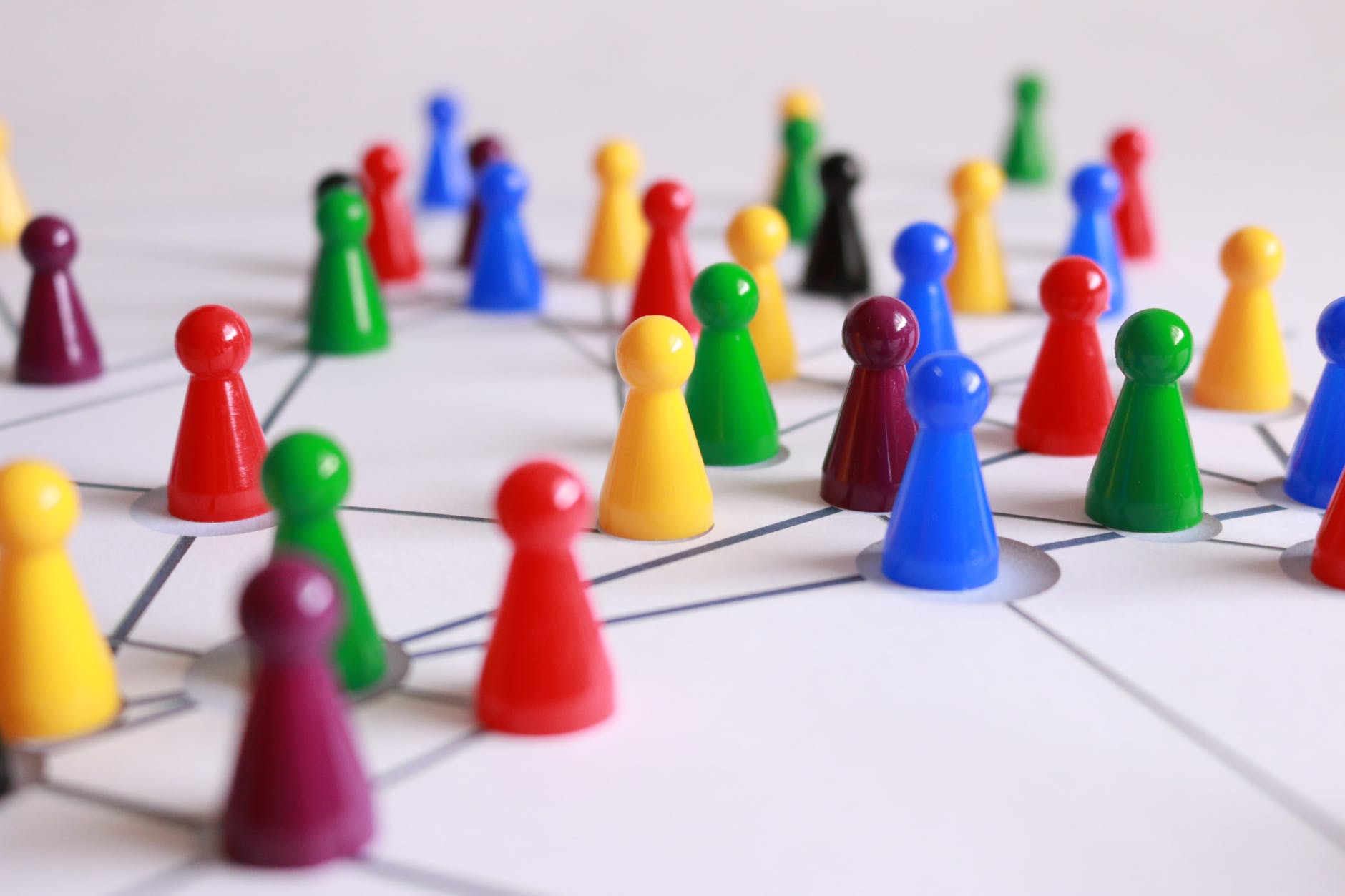
What do Facebook, Sydney Trains, the Internet, food webs, molecular structures, and the human brain all have in common? They are all examples of networks: systems of interconnecting objects or places.
The topic of Networks & Paths provides students with a unique perspective from which they can mathematically analyse the human and natural world. Students will learn new terminology and algorithms from the field of Graph Theory, and apply them in analysing or solving problems related to networks. In doing so, students are given opportunities to develop their skills in determining and communicating solutions applied to real-world contexts, e.g. connecting homes to a water supply whilst minimising the cost of installing pipes. Additionally, students will develop their geometric intuition, visualisation and problem-solving skills and their ability to negotiate different representation forms.
By studying Networks and Paths, students can also learn to recognise and appreciate the commonalities between distinctly separate real-world networks, e.g. rail networks and friendship connections. The language and tools given to students allow them to analyse networks from many fields of study, including physics and biology, economics, sociology, computer science and engineering. Additionally, developing students’ understanding of Networks and Paths provides them with a foundation to explore the related topic of Critical Path Analysis or other fields of study such as computer science.
 STEM Vault